School apps
Our School uses mobile apps to improve parent-teacher communication. Find out which apps we use and how to download them below.
Contact us if you need any help.
Qkr!
The Qkr! (pronounced quicker) app gives you a secure and easy way to pay for excursions, school fees and school lunches. Qkr is free and accepts all scheme debit/credit cards to offer you a wide variety of payment choice.
How to get the Qkr! app
If you’re on your phone, download the app here:
If you’re on your computer:
1. Search for Qkr! in the Apple store for iPhones or iPads, or in Google Play for Android devices.
2. Download the app.
3. Create an account.
4. Add our school.
Find out more about the app at Qkr! for schools.

Frog GO!
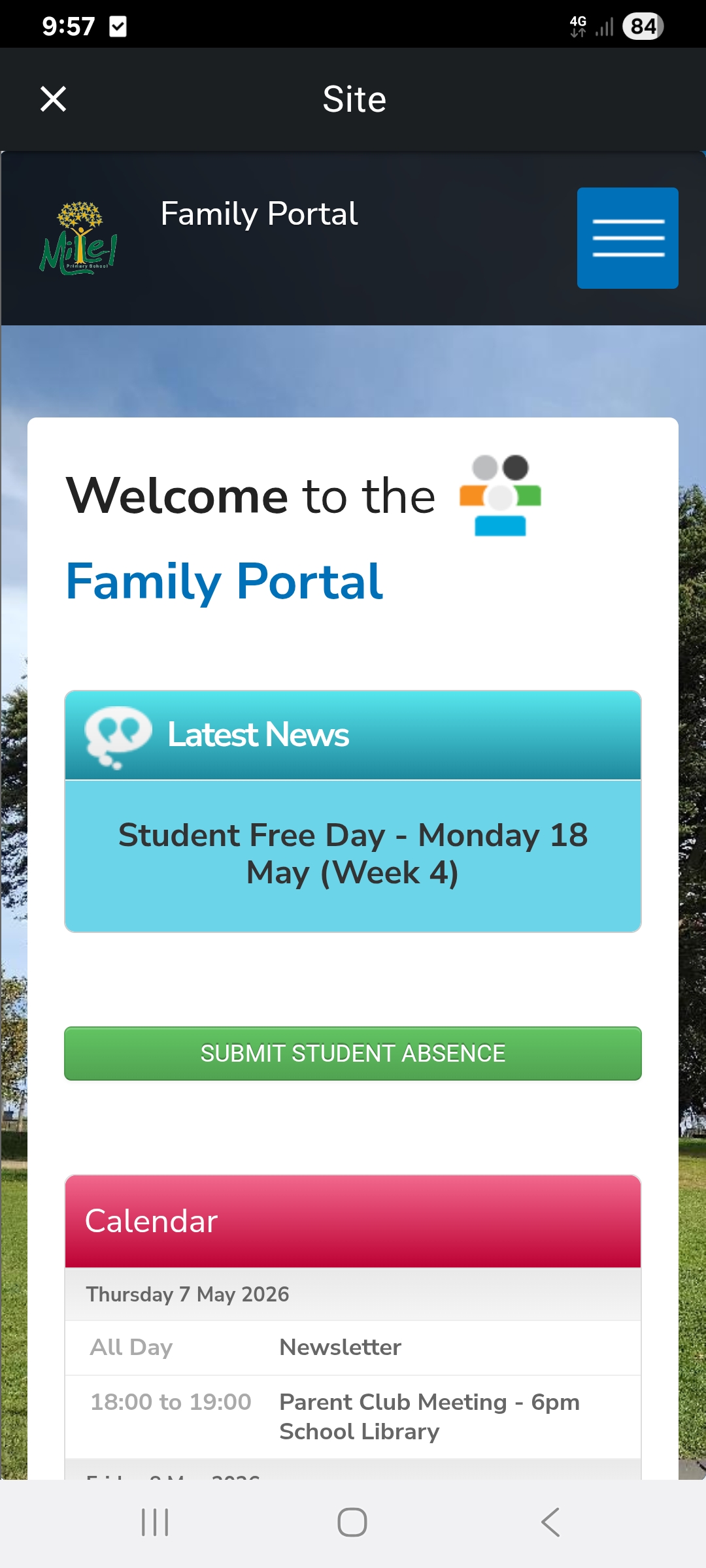
Parents/carers have access to useful information such as important school messages, term dates, children’s school work and any other updates we share
with you. Teachers are also able to communicate to families through announcements and chat messaging.
Frog Go is an app that is compatible through Apple and Android mobile phones. Front Office staff will send families an invitation to create a log in for Community Portal which allows families to log in to the Frog Go app.